The Listings Engagement Page
Last updated: July 13, 2026
To access the analytics page, Click on the Listings Engagement tab on the left side of your account dashboard.
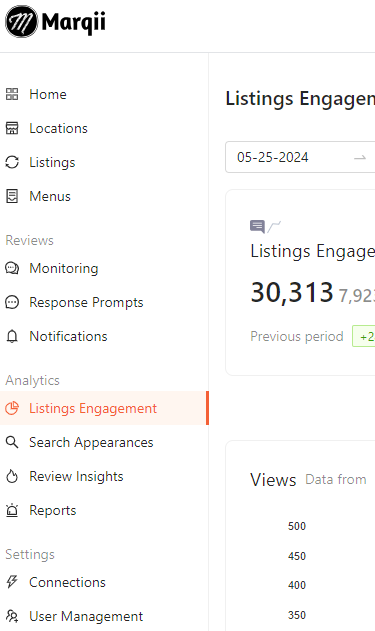
This will bring you to the Listings Engagement page where you will be able to see the analytics data for your locations between publishers.

At the top of the Listings Engagement page there you are provided with filtering options that allow you to filter the data by:
Date Range - single date or range between two dates
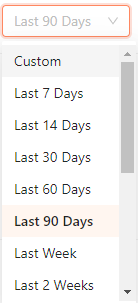
Day Period - allows you to filter using preset ranges
Folders/Locations
Publisher (Apple, Bing, Google, and Yelp)

The rest of the Listings Engagements page is broken down into two main sections:
If you need any further assistance, feel free to contact support at support@marqii.com or text (512) 967-3739.