How to Add/Edit the Calories of your Item
Last updated: July 13, 2026
Add Calories to your Item
To Add Calories to your Item:
Click on the Menus tab on the left side of your account dashboard
Click on the Items tab within the tab listings under Menus
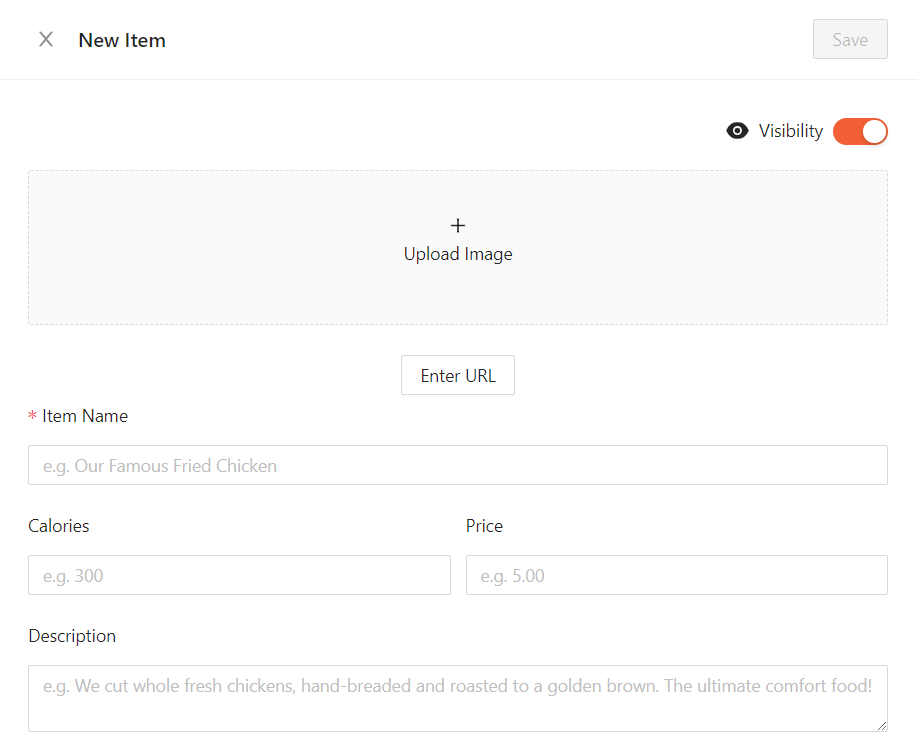
Click on Create Item and from the New Item drawer you can add calories into the Calories field
Click Save to save your changes or "X" to discard your changes
Edit the Calories of your Item
To Edit the Calories of your Item:
Click on the Menus tab on the left side of your account dashboard
Click on the Items tab within the tab listings under Menus
Click on the item with the calories you wish to edit
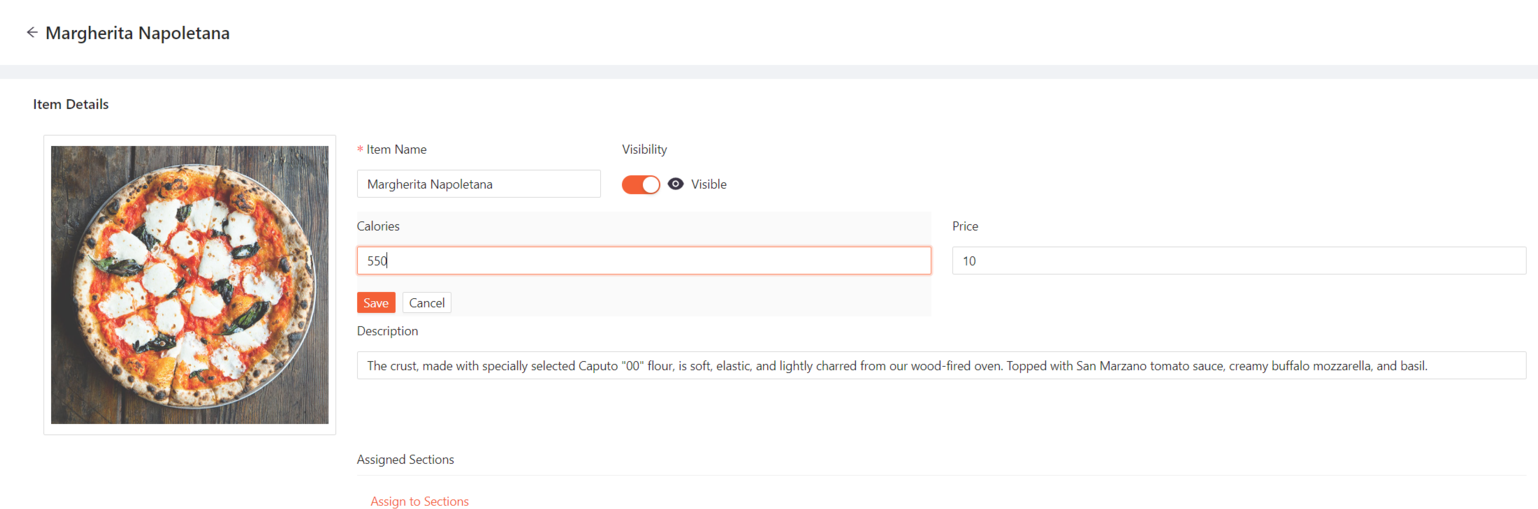
From the Item Details page you can click on the Calories field to edit the item's calories
Click Save to save your changes or Cancel to discard your changes
If you need any further assistance, feel free to contact support at support@marqii.com or text (512) 967-3739.