How to Search for a Menu
Last updated: July 13, 2026
To Search for a Menu in your account, follow the steps below:
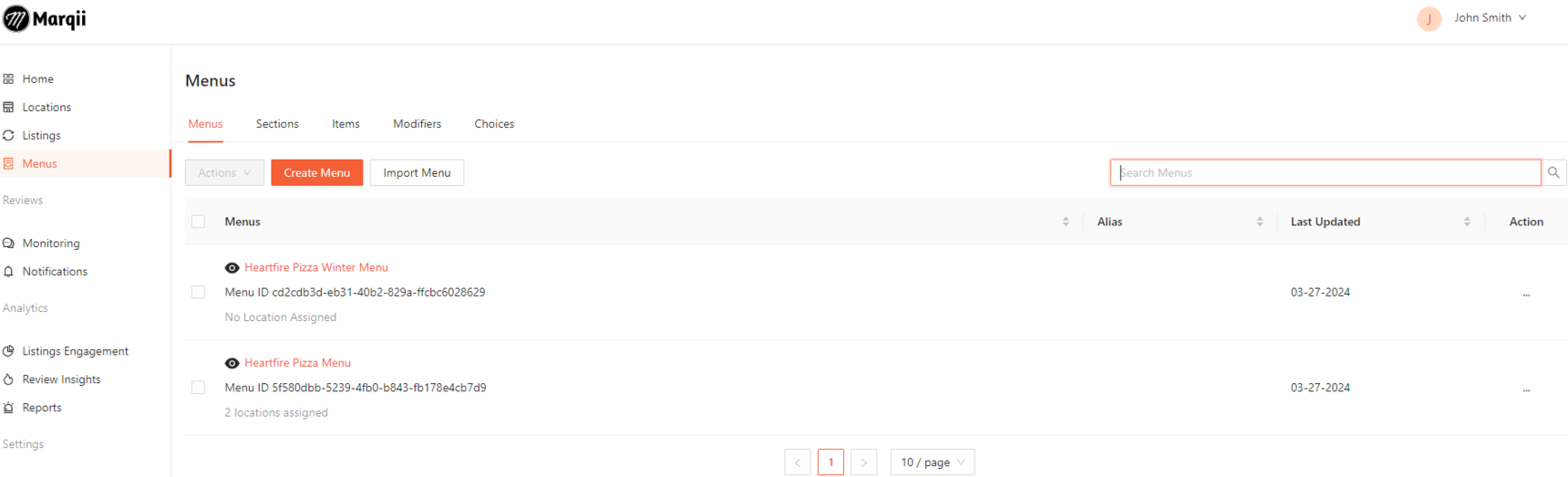
Click on the Menus tab on the left side of your account dashboard
Click on the search bar and input your menu's name or a phase to filter through your menus.
If you need any further assistance, feel free to contact support at support@marqii.com or (512) 967-3739.