Import Your Google Business Profile Locations
Last updated: July 15, 2026
After receiving your onboarding email, you’ll be prompted to create your password and log in to your Marqii account for the first time at https://app.marqii.com.
When you log in, you’ll see the option to connect your Google Business Profile account.
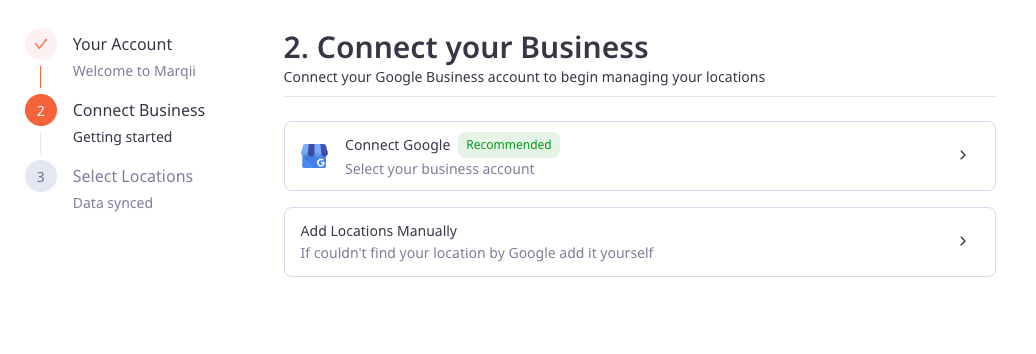
We recommend connecting your Google account as your first step. This allows Marqii to import your existing Google Business Profile information and automatically create your locations in Marqii, so you can begin managing them right away.
After connecting your Google account, you’ll be able to choose which locations you’d like to import.
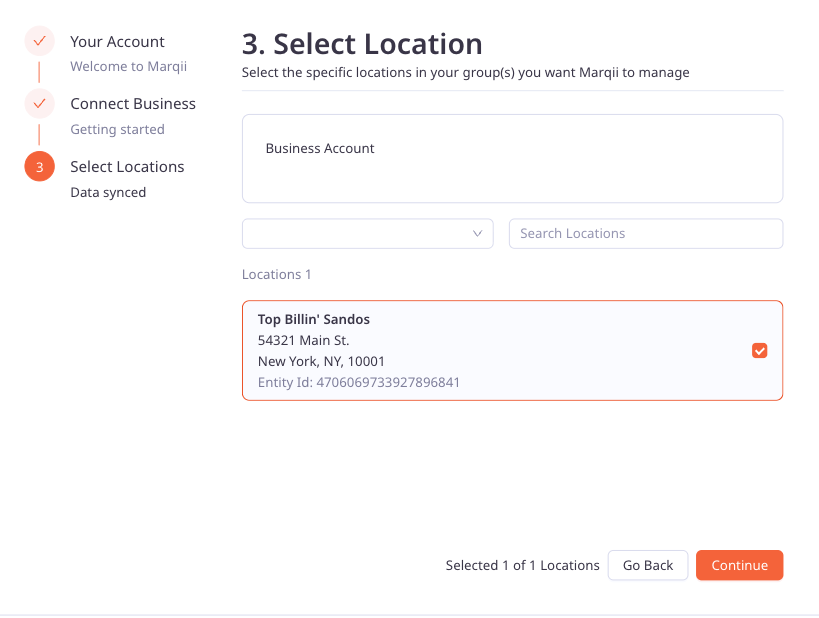
Select every location you want to manage in Marqii, then click Continue.
If your locations are organized into multiple Google Business Profile groups, return to the group selector and repeat the process for each group before clicking Continue.
This import is only available during your initial account setup. If you leave out a location, our Support team will need to add it for you later.
Once you click Continue, Marqii will begin importing your selected locations. You’ll see a progress indicator while your locations are being created.
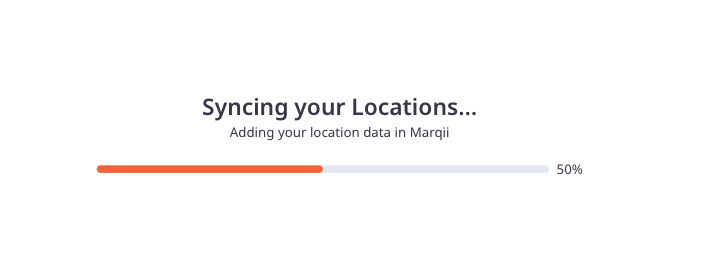
Once the import is complete, you’ll be taken directly to your Marqii dashboard.
Congratulations! Your locations are now ready to be managed in Marqii and are already connected to Google. From here, you can review your location information, connect additional publishers, and start improving your online presence from one place.